

A quick guide on selecting candidates for bulk reach-out, whether individually or all at once, and ensuring your mail is set up before proceeding.
Case 1: Select Individual Candidates
Go to Jobs List and select any active job.
Click the checkbox next to each candidate to select them individually.

Case 2: Select All Candidates
Click the checkbox near "Attach" to select all candidates at once.

Next Step: Initiate Reach-Out
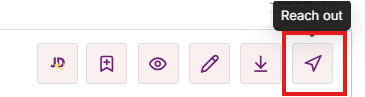
Once selected, click "Reach Out"

Ensure that your mail is configured properly. Emails can only be sent using predefined templates only. Click here to learn more
Click the Reach-Out icon to proceed.
By following these steps, you can efficiently reach out to multiple candidates in just a few clicks.